Documentation
Documentation
Introduction
OAuth solved authorization for a single app talking to a single user. That was enough for a while.
Then enterprise software fragmented. Then AI agents arrived. Now a single user action can require five systems to coordinate:
- reads a document
- files a ticket
- checks a calendar
- triggers a deployment
- logs an audit event
Each hop needs the user's identity. The traditional answer is a consent screen at every boundary:
- Users click through prompts they do not read
- Developers build brittle token-passing pipelines
- Teams give up and use shared service accounts, which are a security incident waiting to happen
There is a cleaner model. The IDP already knows who the user is. It can vouch for them. Cross App Access (XAA) gives the IDP the authority to issue a short-lived, signed delegation credential that carries the user's identity across to the next service in the chain, without asking the user again. One login. A cryptographic handoff at every boundary. No shared secrets.
We built this platform to make that pattern real and testable. The services running here mirror what you would deploy in production. The demo executes the full four-step flow and shows you every token at every step. The developer tools let you register your own client, connect your own resource server, and verify the complete chain works before you ship anything.
Try it first
Before reading any further, run the demo. It takes two minutes and everything below will make more sense once you've seen the actual tokens and requests.
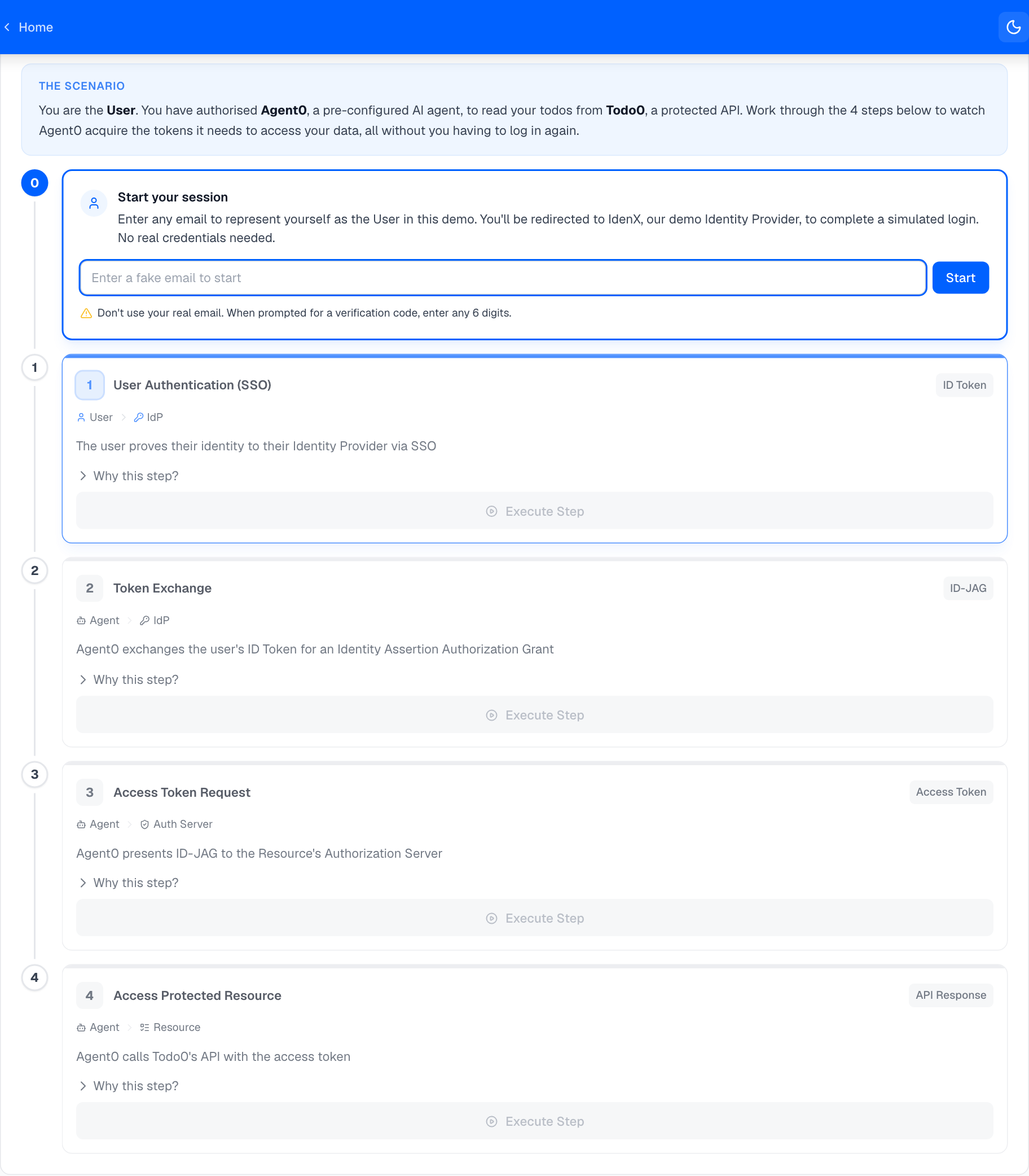
What you can do on this platform
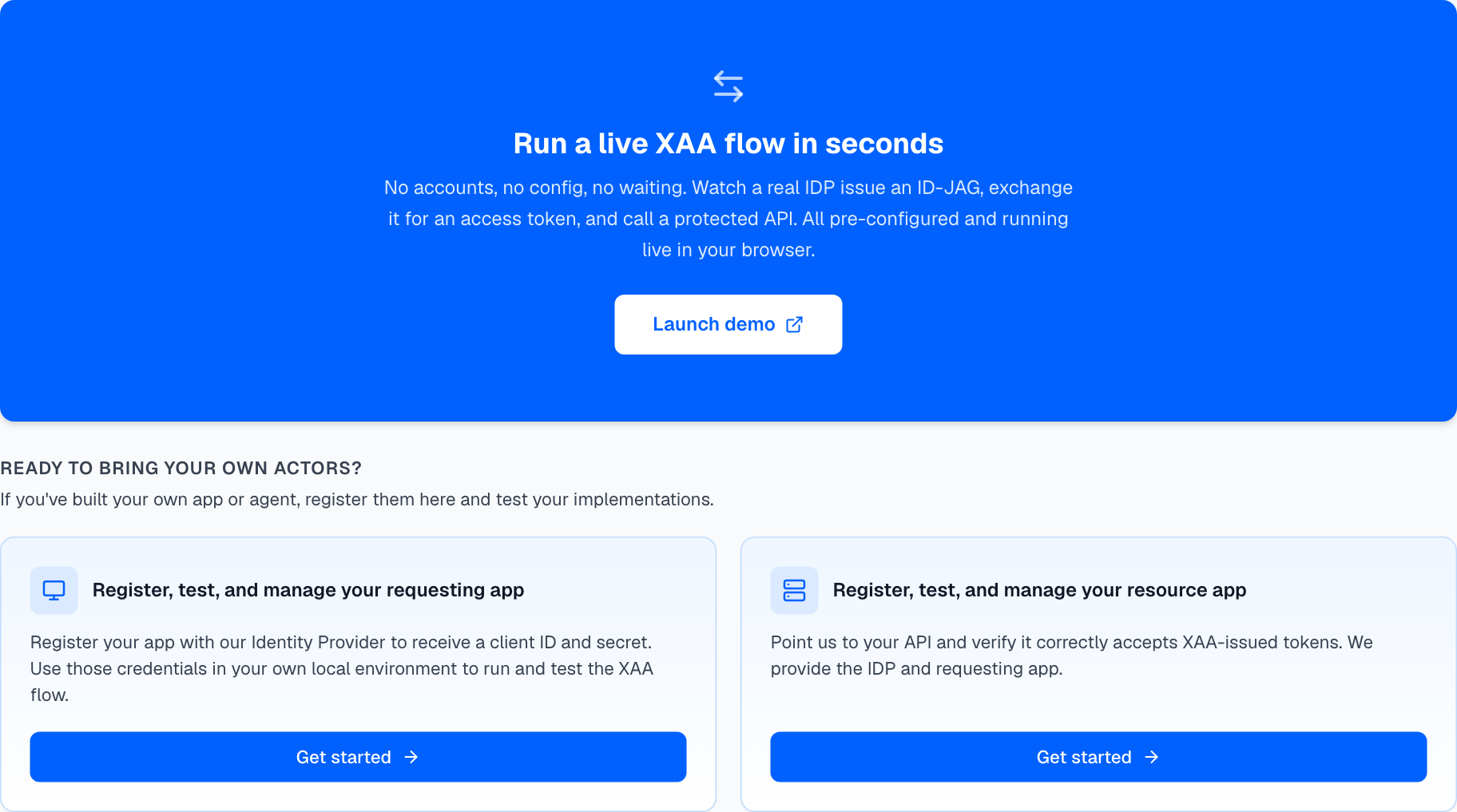
| You want to... | Use this |
|---|---|
| See XAA running end-to-end with real tokens | Demo: open from the nav bar or home page |
| Get credentials to integrate XAA into your app | Test Your Requesting App from the home page |
| Verify your resource server accepts XAA tokens | Test Your Resource App from the home page |
| Debug a failing auth flow | Inspect: service configs and live event log |
How it works
The XAA flow has four steps. Steps 1, 3, and 4 are standard OAuth. Step 2 is where XAA adds something new: the IDP issues a signed delegation credential without requiring any user interaction.
Where to go next
I want to build something → Quick Start: run the demo, then get credentials and build.
I'm building a requesting app → Requesting App overview: register a client, implement the 4-step flow, and call a protected resource.
I'm testing my resource server → Resource Server overview: configure JWT middleware and run the flow against your API.
On this page